The Art and Advantage of a Beautiful Hand Drawing Floral Invitation
When planning a celebration, the invitation is your first and often most lasting touchpoint with guests. It sets the tone, conveys your personal style, and becomes a cherished keepsake. This is where a Beautiful Hand Drawing Floral Invitation template becomes a powerful ally. It’s not merely a digital file; it’s a foundation of artistry—combining the timeless elegance of hand-drawn florals and leaves with the practical flexibility of modern digital design. If you’re looking for a solution that balances aesthetic grace with user-friendly customization, understanding its true value and common pitfalls can transform your experience from stressful to seamless.
Beyond Just a Pretty Picture: The Core Value
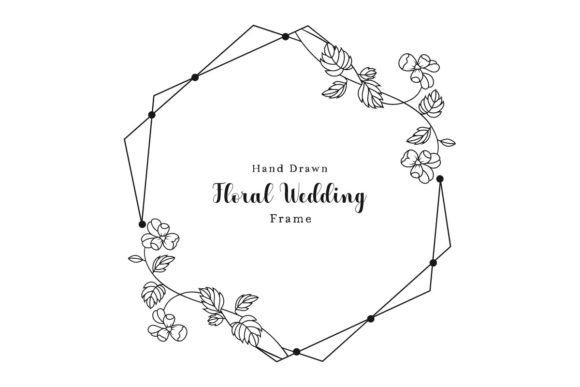
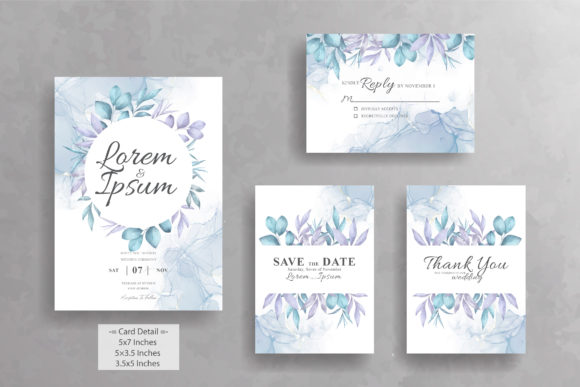
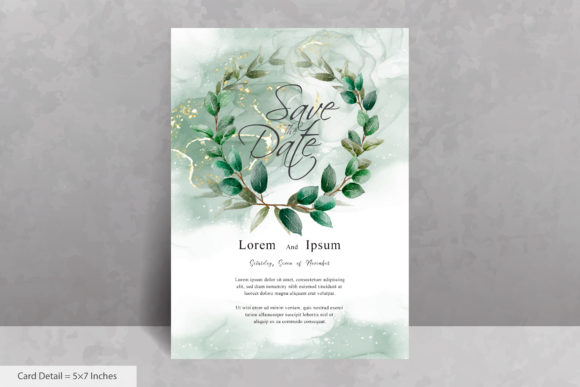
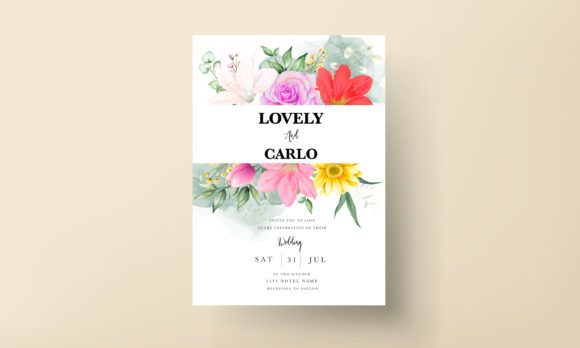
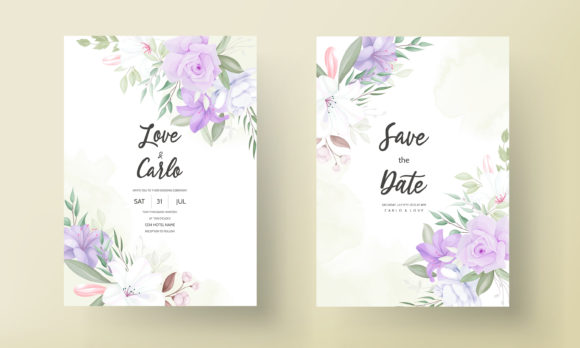
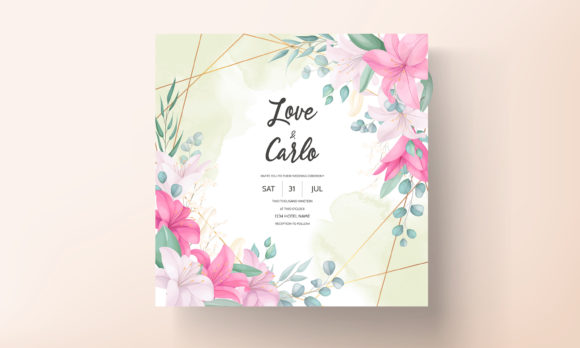
Many people approach invitation templates with a narrow view, seeing them only as a static image to plop text onto. A true Beautiful Hand Drawing Floral Invitation is more. Its intricate, colorful illustration work is typically crafted in vector format (like the included EPS file), meaning every leaf, petal, and curve is defined by scalable mathematics, not pixels. This allows you to resize the design for any print or digital need without any loss in quality or sharpness. The hand-drawn element conveys warmth and personal touch, something often lost in overly geometric or stock-photo designs. It’s suited for both weddings and birthday parties because the artistry is universal—it speaks of growth, beauty, and celebration itself.
Common Oversights When Choosing and Using Floral Invitations
Even with a product labeled "Easy to Use and Edit," assumptions can lead to frustration and compromised results. Let’s navigate a few typical missteps.
Assuming All Files Are the Same
A common oversight is treating the included JPEG and EPS files interchangeably. The JPEG is a ready-to-view, raster image perfect for quick previews or low-resolution digital use. The EPS file, however, is your key to true customization. If you attempt to edit text or colors using only the JPEG in a basic image editor, you’ll face limitations: text placement will be clumsy, background elements can’t be removed, and color changes are destructive. The correct approach is to use the EPS vector file in compatible software (like Adobe Illustrator, free alternatives like Inkscape, or even certain online tools). This unlocks the “Easy to Use” promise, letting you manipulate layers, change Customizable Text Color effortlessly, and adjust elements independently.
Underestimating Color Coordination
The template features a “colorful illustration,” but that doesn’t mean every color is meant to stay. A misunderstanding is to leave the entire vibrant palette untouched when your event has a specific color scheme. Clashing colors can make the invitation feel disjointed and less personalized. A better practice is to use the vector file’s capabilities to subtly adjust the hues of the floral elements to complement your chosen palette. For instance, you might soften some bold greens to a more muted sage or alter a bright pink accent to match your primary color. This harmonizes the beautiful hand-drawn art with your event’s identity without sacrificing its intricate detail.
Neglecting Typography Integration
Another frequent mistake is selecting a font solely based on personal preference without considering how it interacts with the hand-drawn art. Placing a stark, modern sans-serif font atop delicate, organic florals can create visual conflict. The invitation’s elegance can be undermined. Instead, approach typography as a partnership. Choose fonts with similar characteristics—perhaps a script font with flowing curves or a serif font with gentle grace. Use the customizable text color not just for visibility, but for cohesion; a text color pulled directly from a flower hue in the illustration creates a unified, professional look. Always check font size and weight for clear readability against the detailed background.
Practical Checks Before You Commit
Before downloading or finalizing your Beautiful Hand Drawing Floral Invitation, a few constructive checks ensure a smooth process.
First, verify your software access. Do you have, or can you access, a program that can open and edit EPS vector files? If not, research free or affordable vector editors beforehand. Second, clarify your output needs. Are you printing professionally, at home, or using it digitally? Knowing this determines how you’ll use the files—high-resolution EPS for print, optimized JPEG for email or social media. Third, have a draft of your text ready. Playing with placeholder text like “Lorem Ipsum” won’t reveal how your actual names, dates, and details fit within the design’s layout. Input your real content early to test spacing and balance.
A Better Approach: From Template to Personal Heirloom
The goal is to elevate the template into something uniquely yours while honoring the artist’s original work. Start by opening the EPS file and exploring its structure. Identify layers for background, main florals, and accent elements. Adjust your text color first, ensuring it complements rather than clashes. Then, consider subtle modifications to the illustration itself if your software allows: perhaps slightly repositioning a floral cluster to better frame your text, or adjusting the opacity of a leaf layer to give your words more prominence. Remember, the hand-drawn quality is its strength; avoid over-editing that makes it look synthetic. The final product should feel like it was commissioned for your event, not merely found.
The Real Measure of Success
Success with a Beautiful Hand Drawing Floral Invitation isn’t just a downloaded file. It’s an invitation that delights you during creation, communicates beautifully to your guests, and stands as a piece of art you’re proud to have orchestrated. By understanding the dual role of the JPEG and EPS files, thoughtfully coordinating colors and typography, and preparing your tools and content ahead of time, you avoid the common pitfalls that lead to generic or troublesome results. This template offers a bridge between artistic beauty and practical utility—cross it with informed confidence, and your celebration’s first impression will be as memorable as the event itself.